.png?height=120&name=logo_blue%20(1).png)
- Knowledge Base
- Operations
- Customer Success
How to send proposals
When sending longer proposals for clients we use the appropriate pptx template to create the sales document and share via link with the customer.
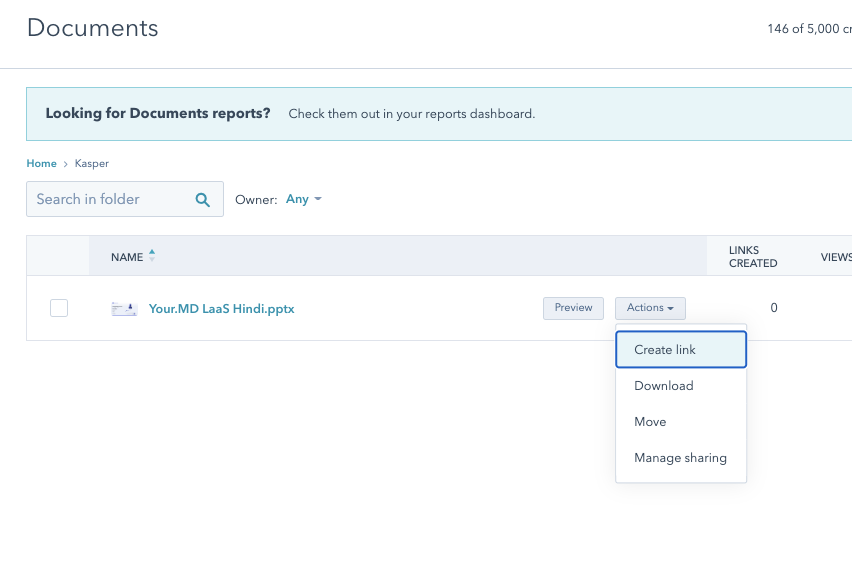
Go to Sales->Documents in Hubspot and upload the required document (organise in your own folder to keep tidy).
when you have uploaded your document you create link to the doc and send this to the customer:
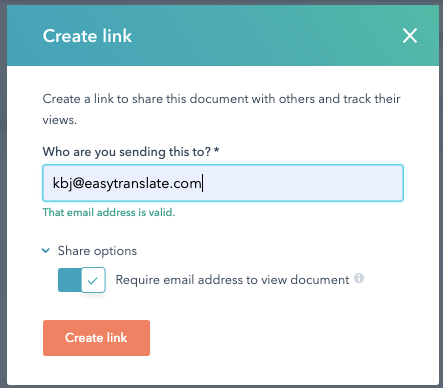
Enter the email address of the person you're sending to:
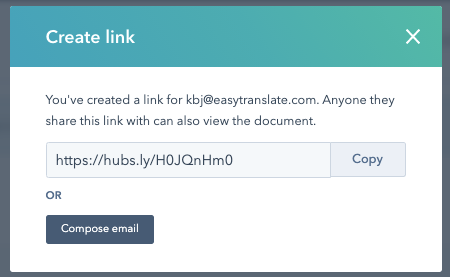
...and select "Compose email" to send the link in an email to the customer