.png?height=120&name=logo_blue%20(1).png)
How to set up deals and send quotes to customers.
Where
The deal pipeline "Upsales & renewals" contains both automatically generated "Renewal" deals and the manually created "Upsales" deals.
Set up and update an Upsales deal
To create a new upsales deal, go to the deal pipeline "Upsales" and click "Create Deal".
For manually created upsales deals we need to update this information.
Deal Name: Client name + short description of the content of the deal (e.g. new languages)
Deal Stage: "AddOns Requested" (upsales)
Deal Owner: Yourself
Deal type: Existing business (upsales)
Associate the relevant company and contacts, then click Create deal.
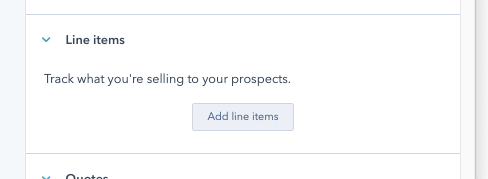
Once the deal is created go in and click "Add line items":
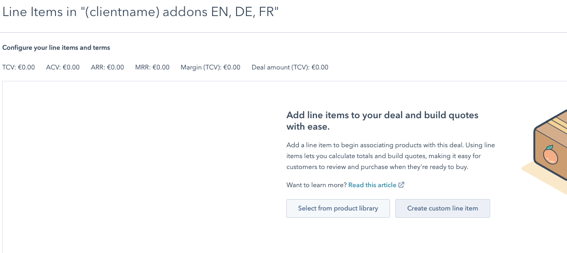
Always click "Select from product library":
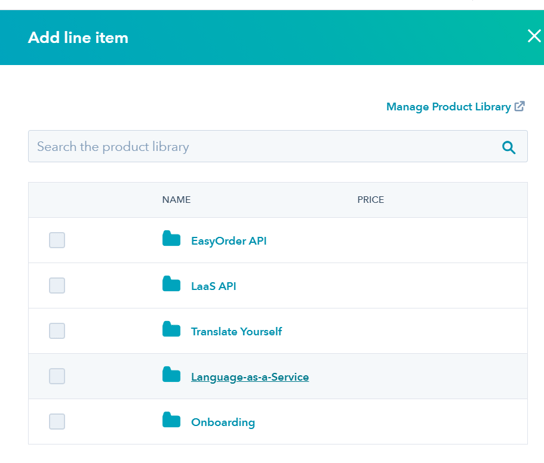
Add the line items you need. Additional language pairs need to be taken from "Language-as-a-Service"; select the "LaaS additional language..." option with the billing frequency you need - always choose annual.

In the line item you need to add the relevant language(s)
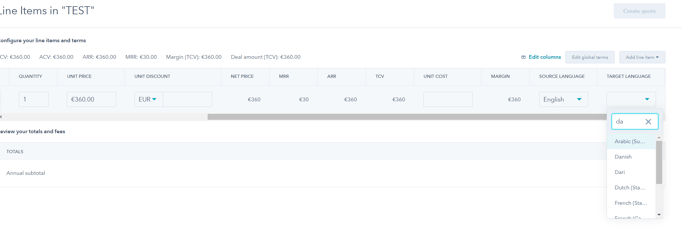
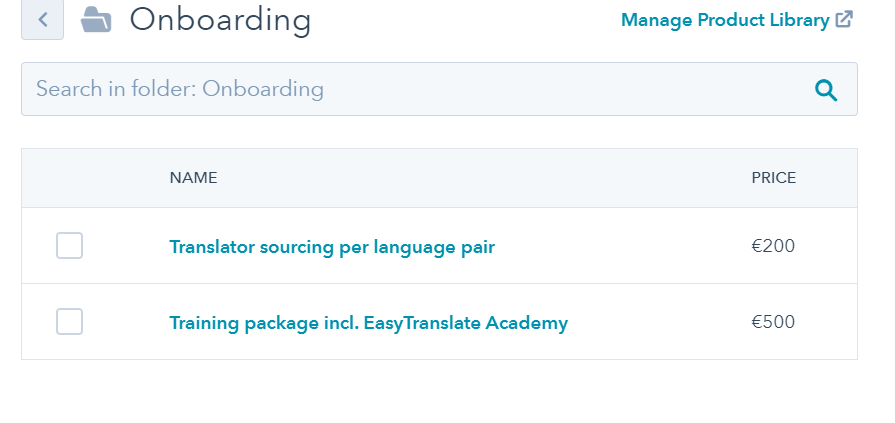
Any one-off onboarding cost line items are selected from the "Onboarding" product library.
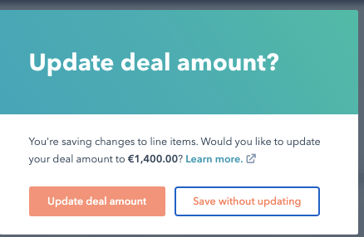
Select "Update deal amount":
Click back into the deal and check the "Amount" has been updated:

Update the relevant deal properties:
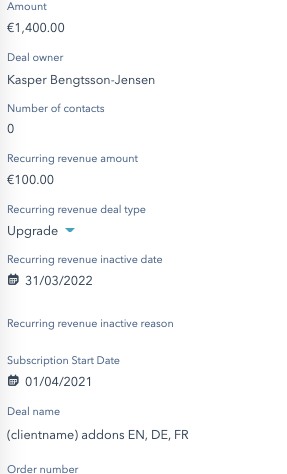
"Recurring revenue deal type" = Upgrade (for upsales) and Renewal (for renewals)
"Subscription start date" = the day the subscription part of the deal starts
The above information is crucial for correct reporting and registration. The recurring revenue of the deal will enter into the metric here: https://app.hubspot.com/analytics/8932080/revenue?endDate=20210331&frequency=MONTH&rangeType=CUSTOM&startDate=20200901
Billing frequency
When a client has an existing subscription and wishes to add additional MRR (in the form of additional languages or other services) we need to fill out deal and quote with that billing frequency. For instance, a client wants an extra language at 30 EUR per month on yearly billing, this is a yearly cost of 360EUR. However, when they expand their subscription in this way, they will only pay the cost up to the next billing cycle. For instance if their main subscription has 9 months left, the client will pay 9 x 30 EUR for the additional language they add. The next time their billing cycle occurs, they will pay for their combined subscription, e.g. LaaS subscription + the extra language of 30 x 12 EUR.
Stripe will automatically calculate how much the client has to pay for the additional MRR to cover the remaining time in their existing billing cycle. So unless they add another language exactly on the day their existing subscription renews, they will pay less than the 360 EUR yearly cost.
Our quotes to clients need to include the cost for a full billing cycle, e.g. 30EUR x 12 = 360EUR even though they'll likely be charged less as their remaining billing cycle will be less than a full year.
Create the quote
Because of user licensing limitations you'll need to get Kasper to complete the very last part of the quote for you.
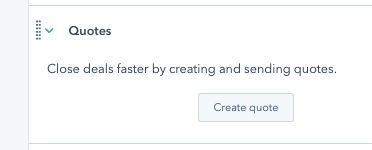
Click on "Create quote" in the deal:
Go through the required steps and ensure you add a description and message for the recipient.
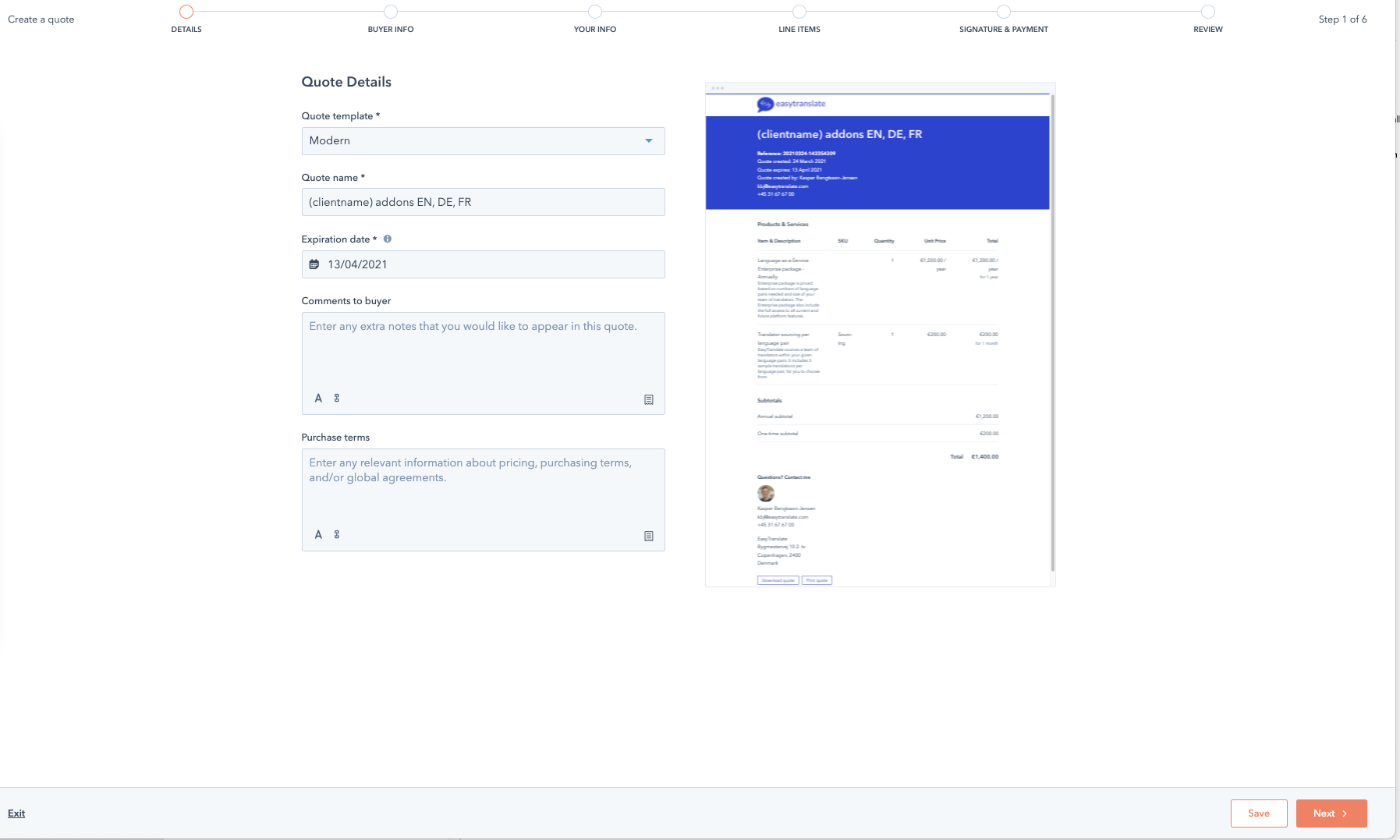
Because of license limitations, CS needs to fill out the quote and save it, then close it down. Request Kasper to send out using the following steps.
When sending out you need to select the "Use e-signature" option and tick mark the client as "required signatures" (in the screenshot kbj@easytranslate.com is the client)
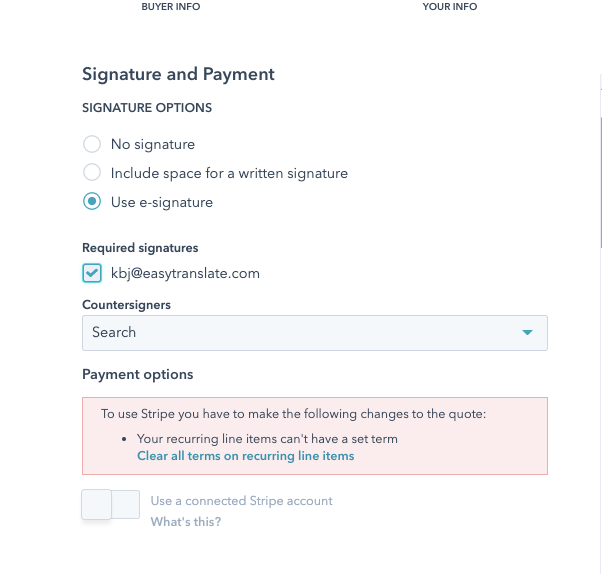
Click through and select "Request approval" - you'll see this dialogue: 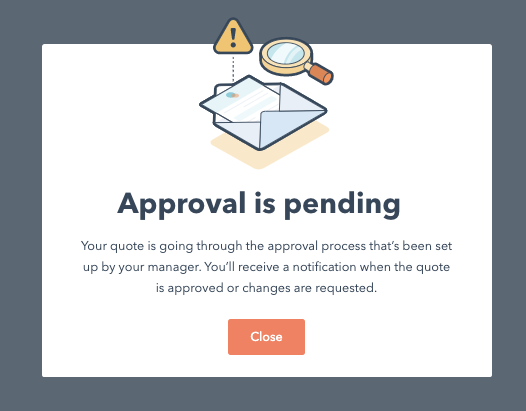
This is an automatic process and after a few minutes your quote is automatically approved.
You then go in on the deal and under quotes you'll see your quote:
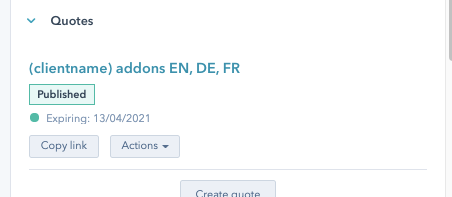
Click "Copy link" and paste that link into an email you send to the client .
The quote will appear under quotes as "pending signature":

The client then needs to go in via the link and click "sign":
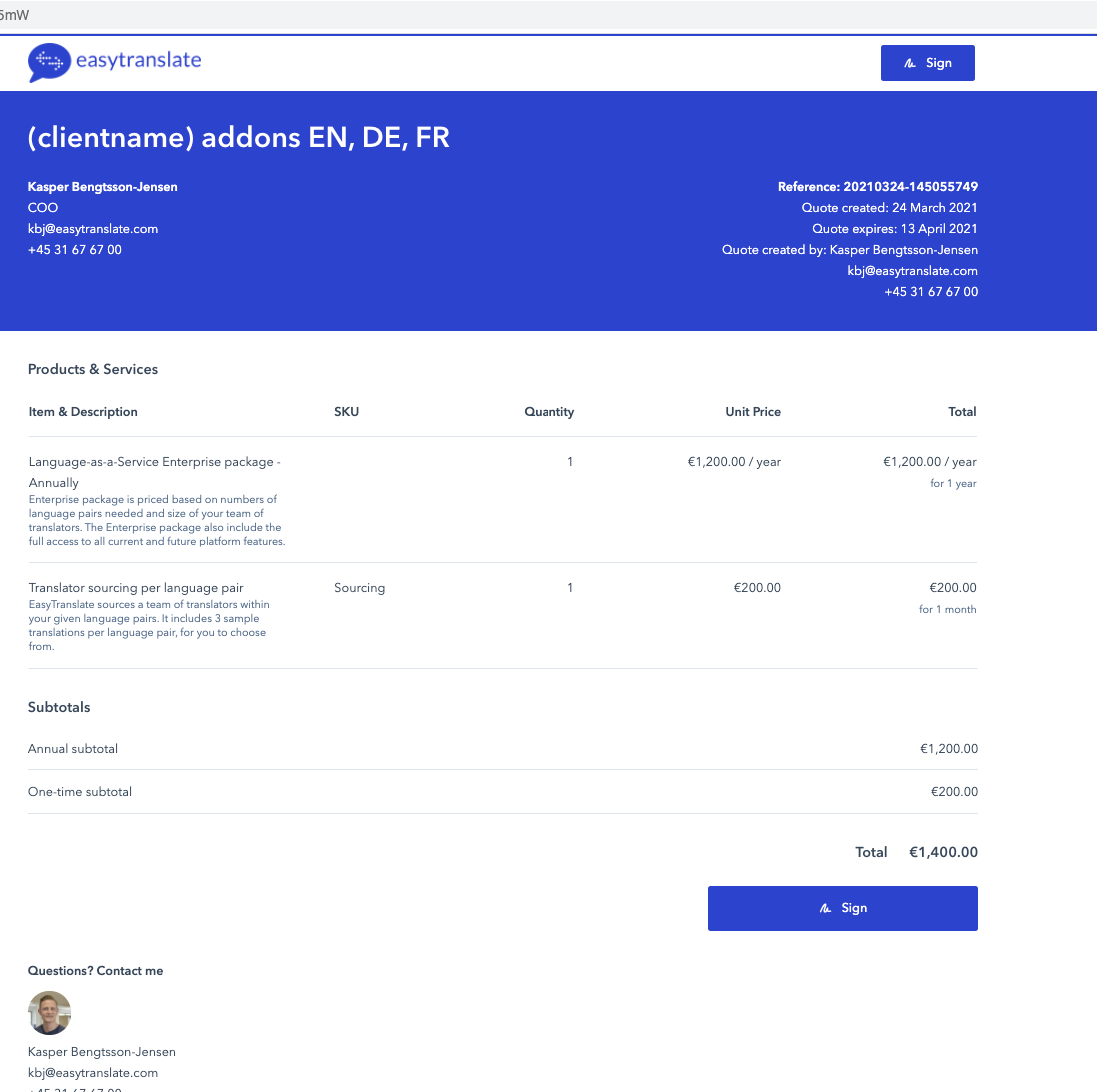
When they do this the quote status is changed to "signed" and we can proceed with payment.
Payment
When we have a signed quote and moved it to Closed won a task is created for finance to collect payment.